Thoto × A$AP Rocky Tour
A hyper-real war-scene stage loop, brainstormed, built, and delivered in a single same-night sprint, made for Thoto's full set on A$AP Rocky's Don't Be Dumb tour.
Who is Thoto?
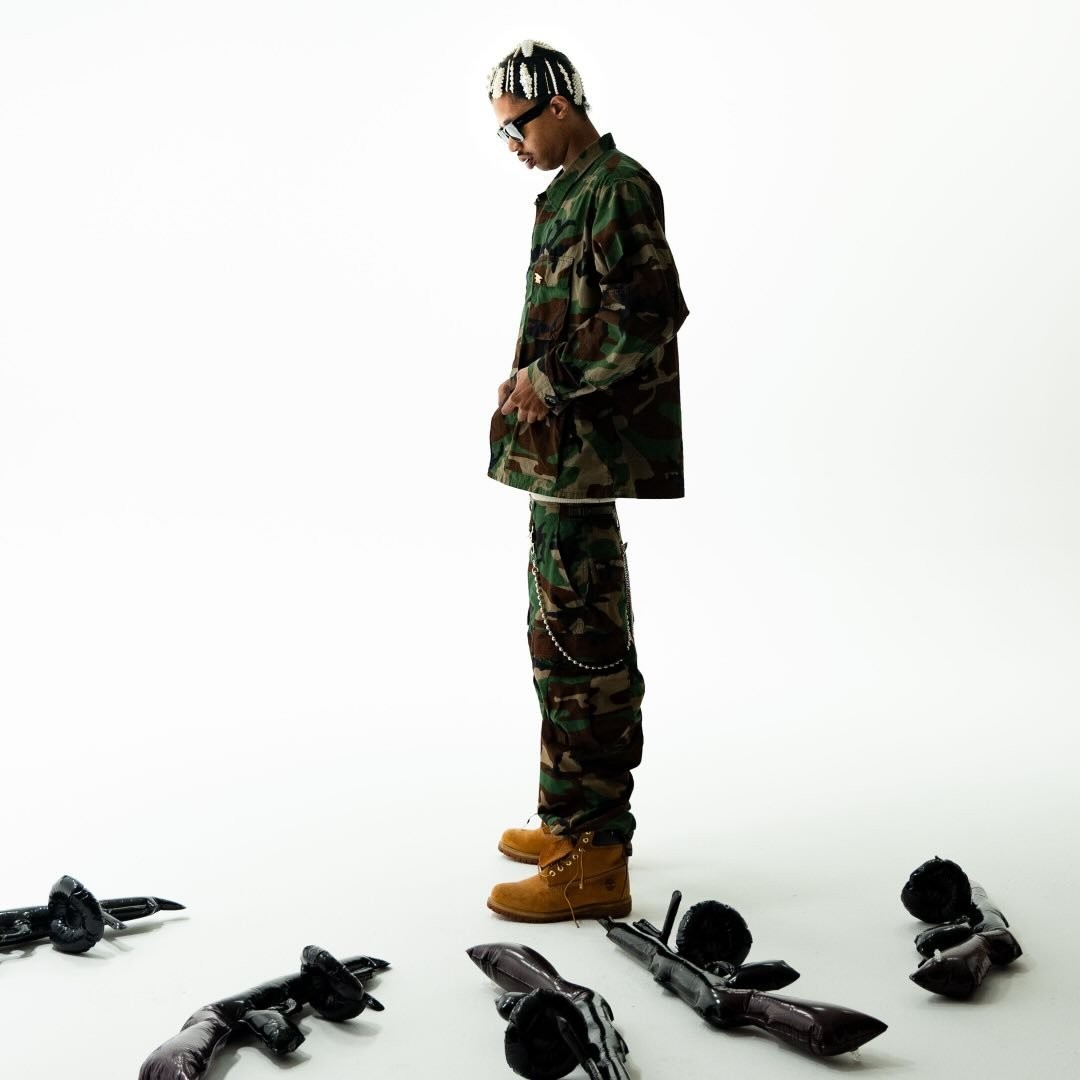
Thoto (@thxto_klk) is a Harlem rapper signed to AWGE, A$AP Rocky's own creative agency and label. Part of the cloud-rap duo ThotTwat with ICYTWAT, a sound that traces straight back to Rocky's early Harlem roots.
So when Rocky put together the Don't Be Dumb tour, Thoto was a natural call to open it: AWGE family, the same Harlem cloth, and real history that goes back years. Thoto opened the full run outside the Governors Ball date, and the war-scene loop I built carried the entire set.
It started with a phone call from a good friend.
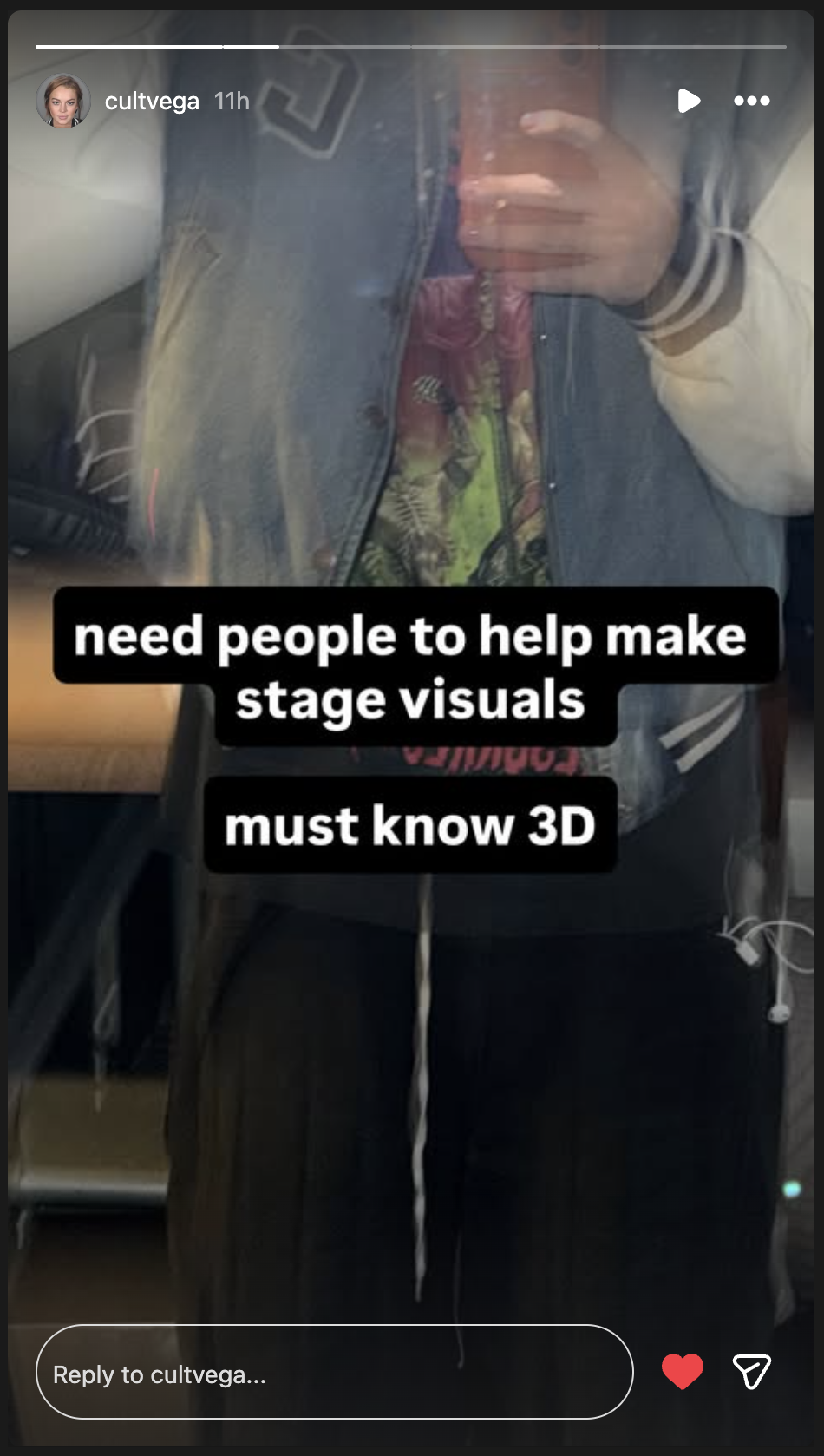
This whole thing started with how fast my network moves. Friend-1, a good friend of mine, spotted a story go up looking for people to make stage visuals who knew 3D within about ten minutes of it posting, and called me right away telling me I needed to hop on it and reach out ASAP.
So I did. I DM'd the contact who posted it and told them I make 3D stage visuals, then followed up with an email to make sure it landed. From there I lined up more of the right people on the team to reach out to and worked the list myself.
The creative got built in a group chat.
From there the three of us, me and two of my close friends, got the Friends Group Chat going at 5:44 PM EST that evening to brainstorm, and that's where the creative direction really got built. Friend-2 is a good friend of mine, someone I've met and know personally, and they came on early as a real asset on the creative team, deep in this tour and the vibe. Fast and totally no-ego, I'd throw something out, they'd react in real time, and we kept building on each other. Friend-1 came in steering the vibe right away, army not SWAT, here's the feel, dropping reference boards, and they basically handed me my whole client question list: the three main images they pictured, whether they wanted AWGE incorporated, realistic or glitchy, and most importantly what songs it was for. They kept hammering that the songs were the single most important thing to nail.
Friend-2 came through with strong references, and from there the direction came together fast between the three of us: army not SWAT, grunge, heavy haze and smoke, glitchy strobe, a hint of CCTV, soldiers with guns but only selectively and with red lasers off them, heavy helicopter visuals using the propeller blades to transition between scenes, even chopping the music video into black and white with boxes flashing over faces. They know this tour world and the vibe inside out, and they re-listened to the artist's discography to help tighten the aesthetic. From there I took the brainstorm and steered it into what we'd actually build.
Mood board
The board we pulled together, the references that locked the whole direction: red HUD scopes, surveillance and CCTV, black-and-white targeting, glitch, smoke. We built straight toward this.
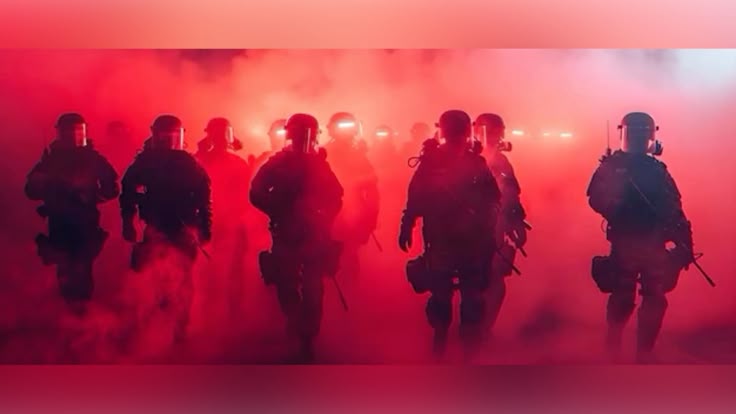
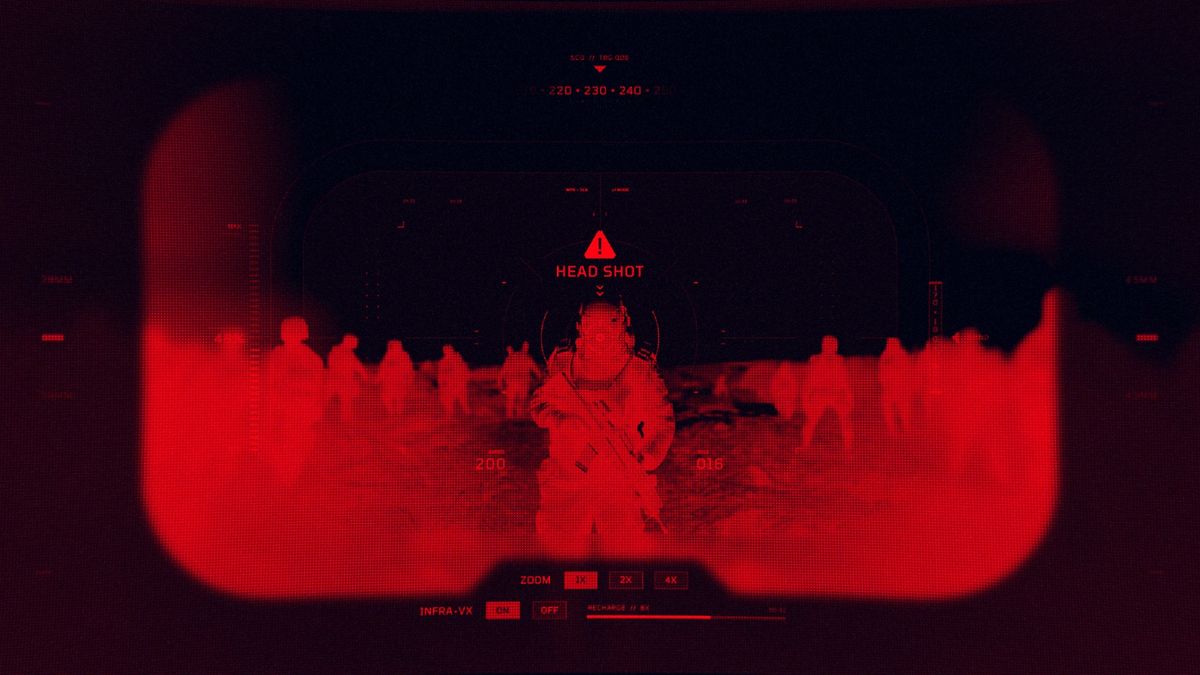
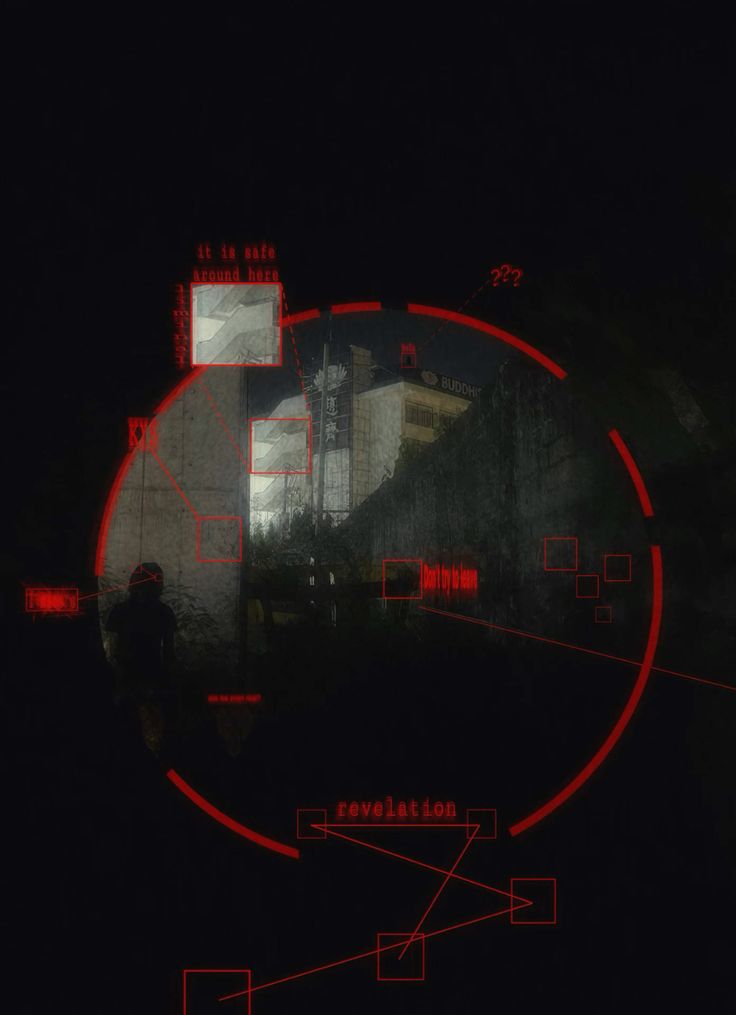
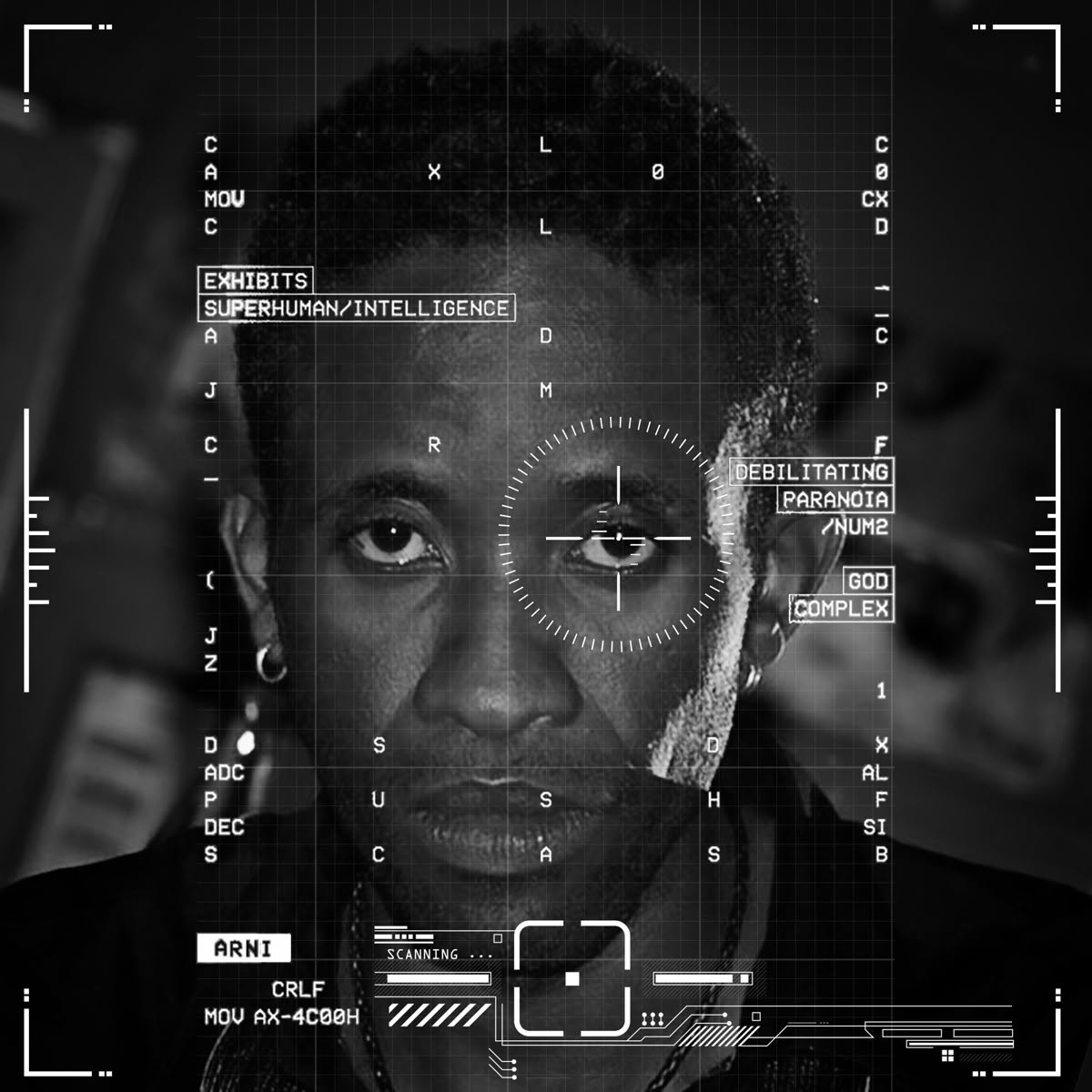
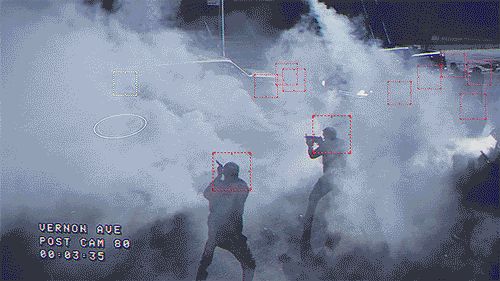
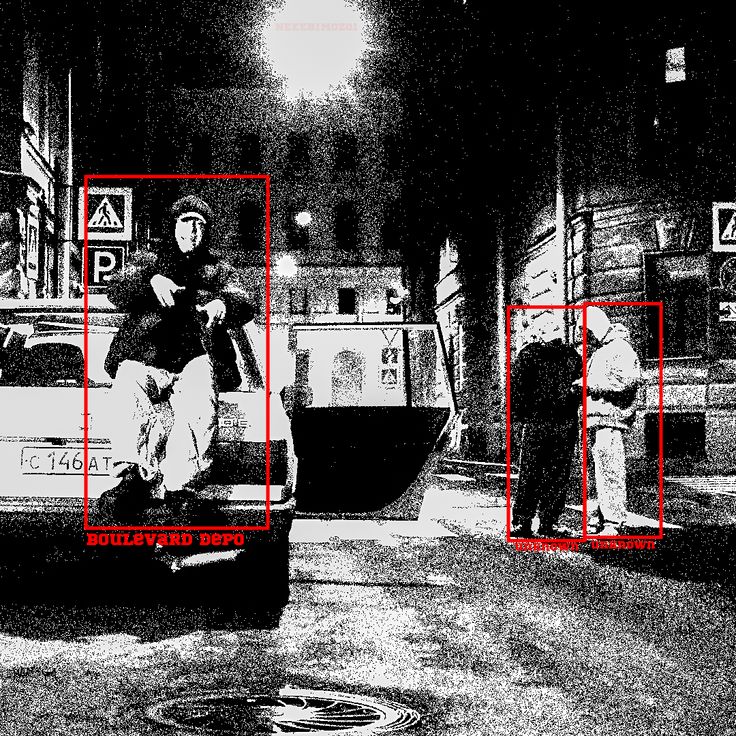
References collected on Pinterest, full credit to the original creators. View the full board →
I called the client before I touched a single file.
On the outreach the one who bit was LXND, within about five minutes on Instagram. And I didn't just text them back, I called them immediately, I wanted to actually talk it through. On the call they told me exactly what they wanted: soldiers walking toward the camera, a battlefield war-zone vibe, and to swag it out. This was for Thoto, an opener on the A$AP Rocky tour, so it was part of the Rocky tour, but the visuals were for Thoto's own set, their whole set start to finish, not Rocky's main show.
Right there on the call I came back with questions to pin it down, the environment, the colors, the tour colors, the soldiers' outfits, then followed up over text with the rest of Friend-1's list. I sent the mood board to confirm direction, they locked it to a single QR code, and on the songs they told me it was for every song of their set, so I realized this wasn't about scoring one track, they wanted a specific vibe carrying the whole set. They could tell I had it locked because they were looking right at the board. Friend-1 reminded me to nail the screen dimensions since those stage screens are huge, so I got the spec from LXND: 1920×1080, horizontal.
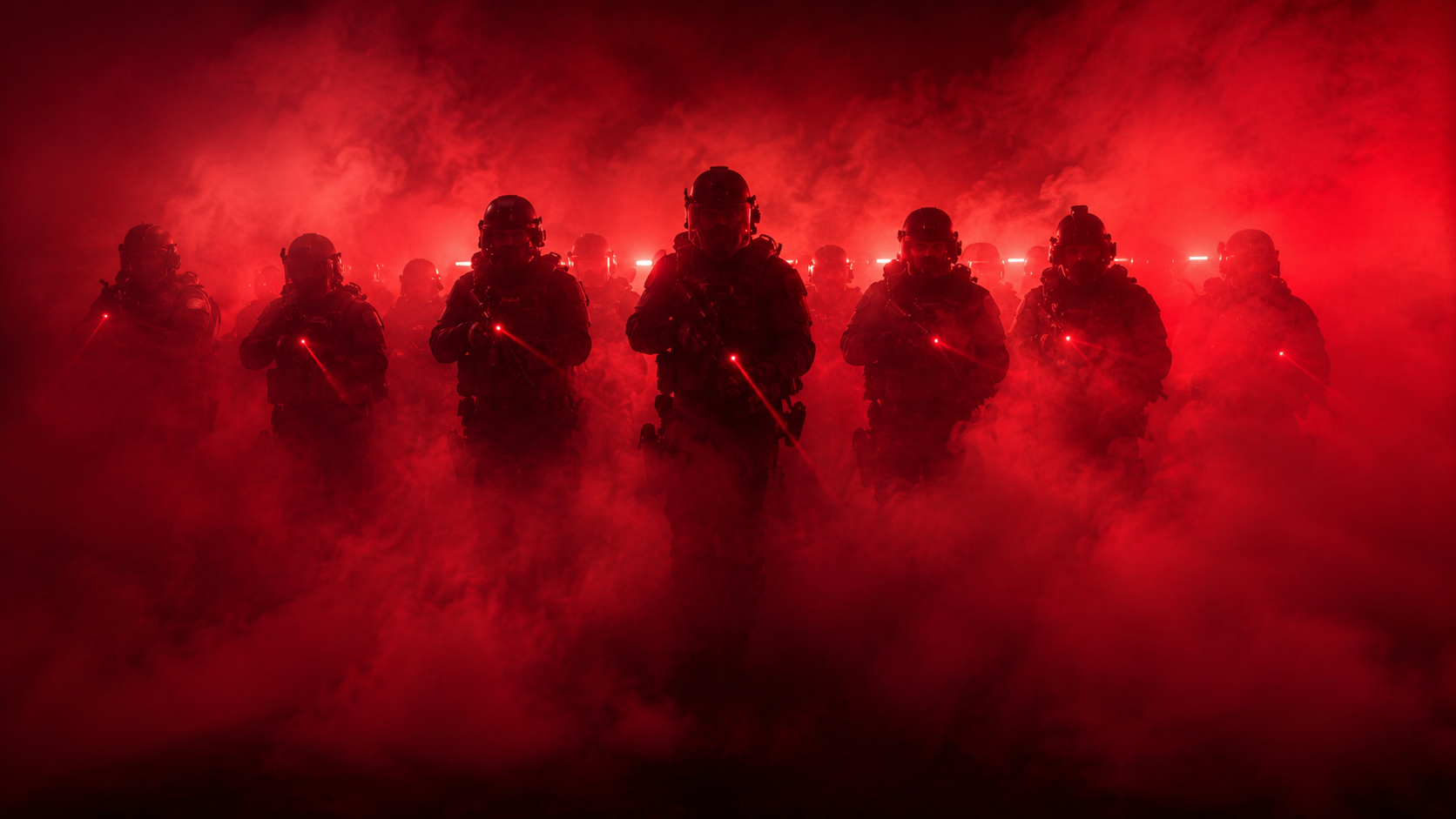
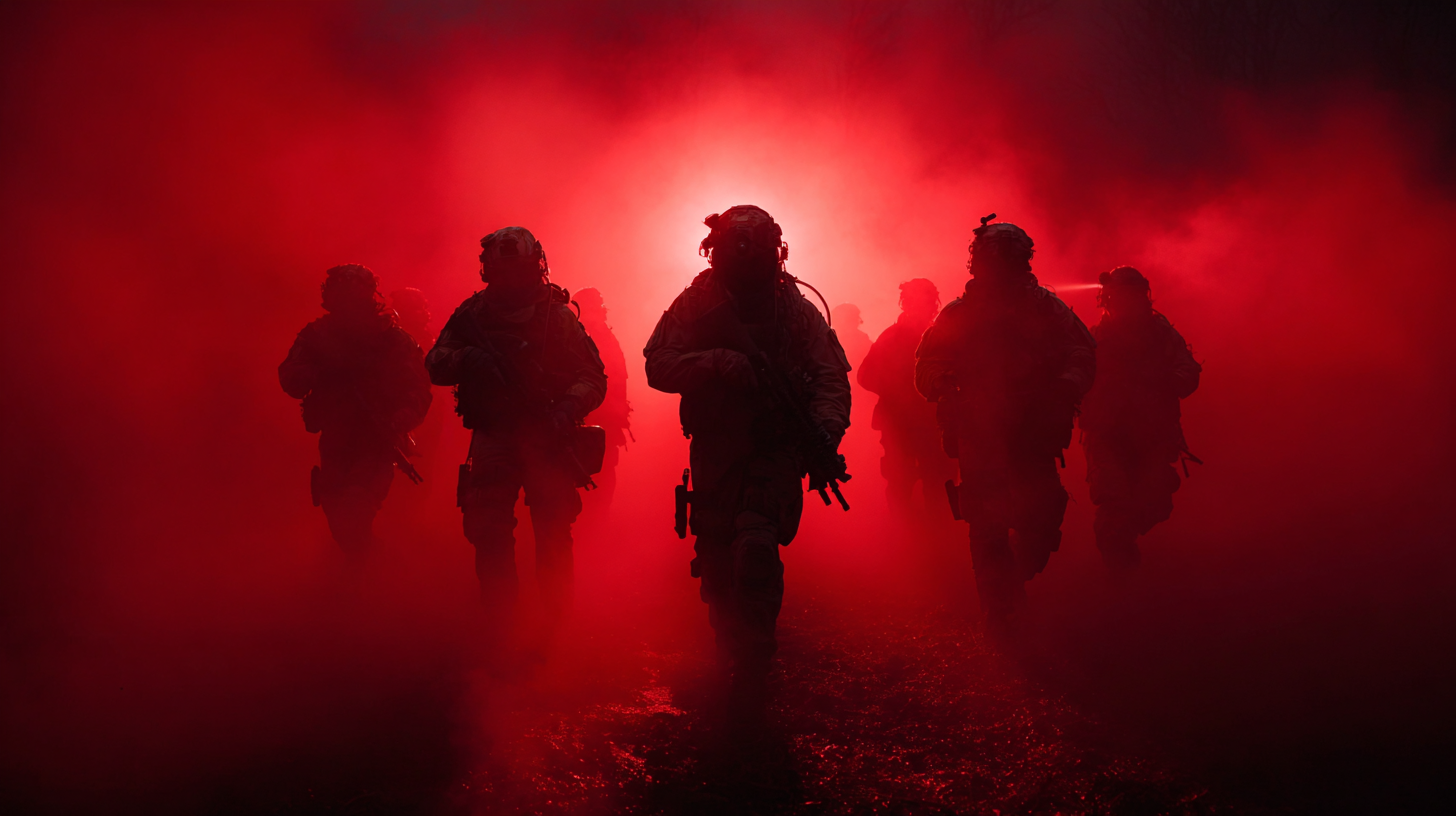
One AI couldn't do it. A better one could.
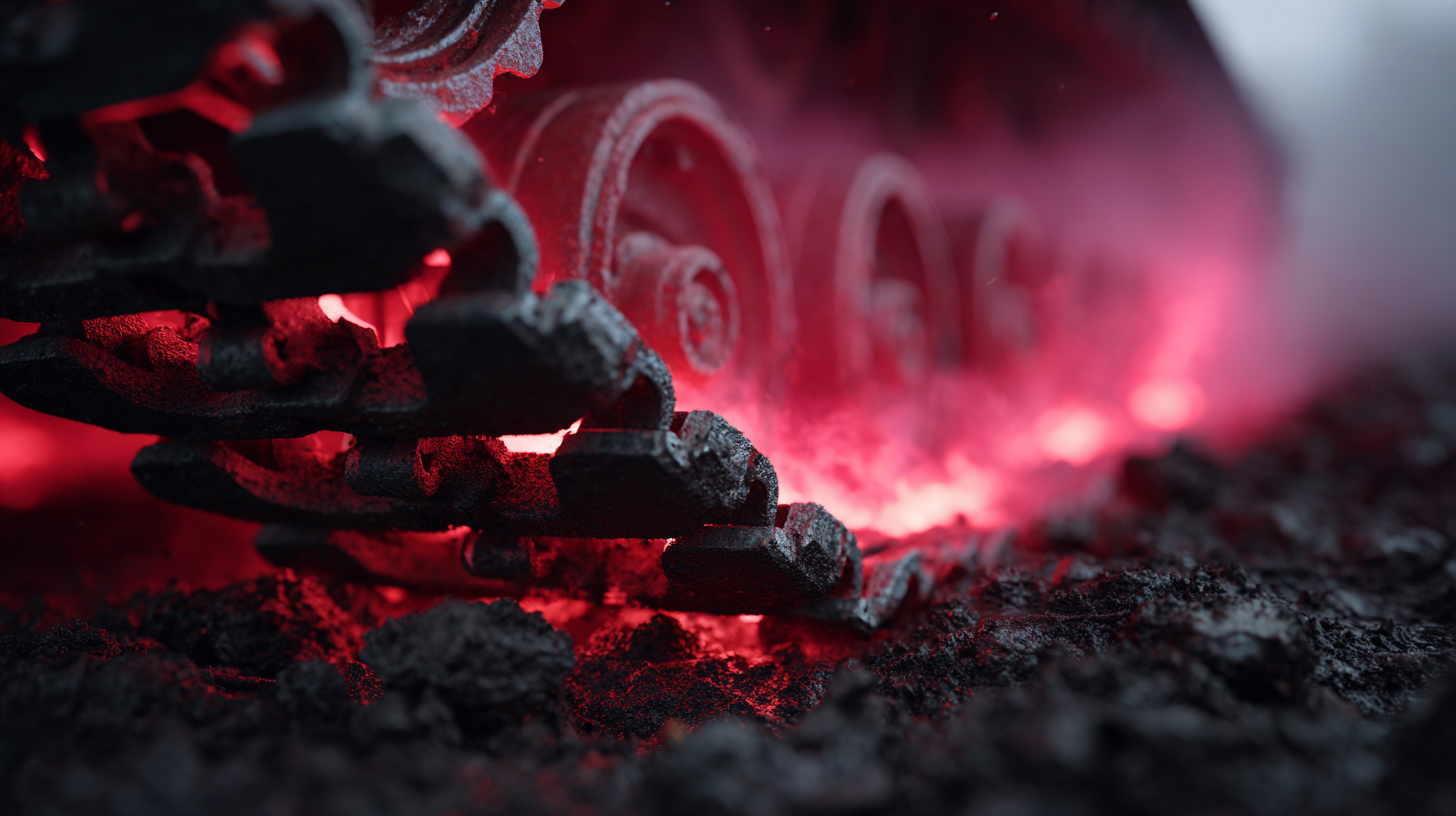
Then it was go time on the art. I started cooking thumbnails with one AI, but they weren't good enough, not realistic, with imperfections I didn't love. So I jumped to a better AI, ran the same prompts plus variations, and got results I loved. I'd take the one I loved and bring it to life as AI video with written prompts, directing it to do exactly what I wanted. That was my speed play, it kicked out usable motion fast so I could throw things together quickly, even if you could tell it was AI in spots.
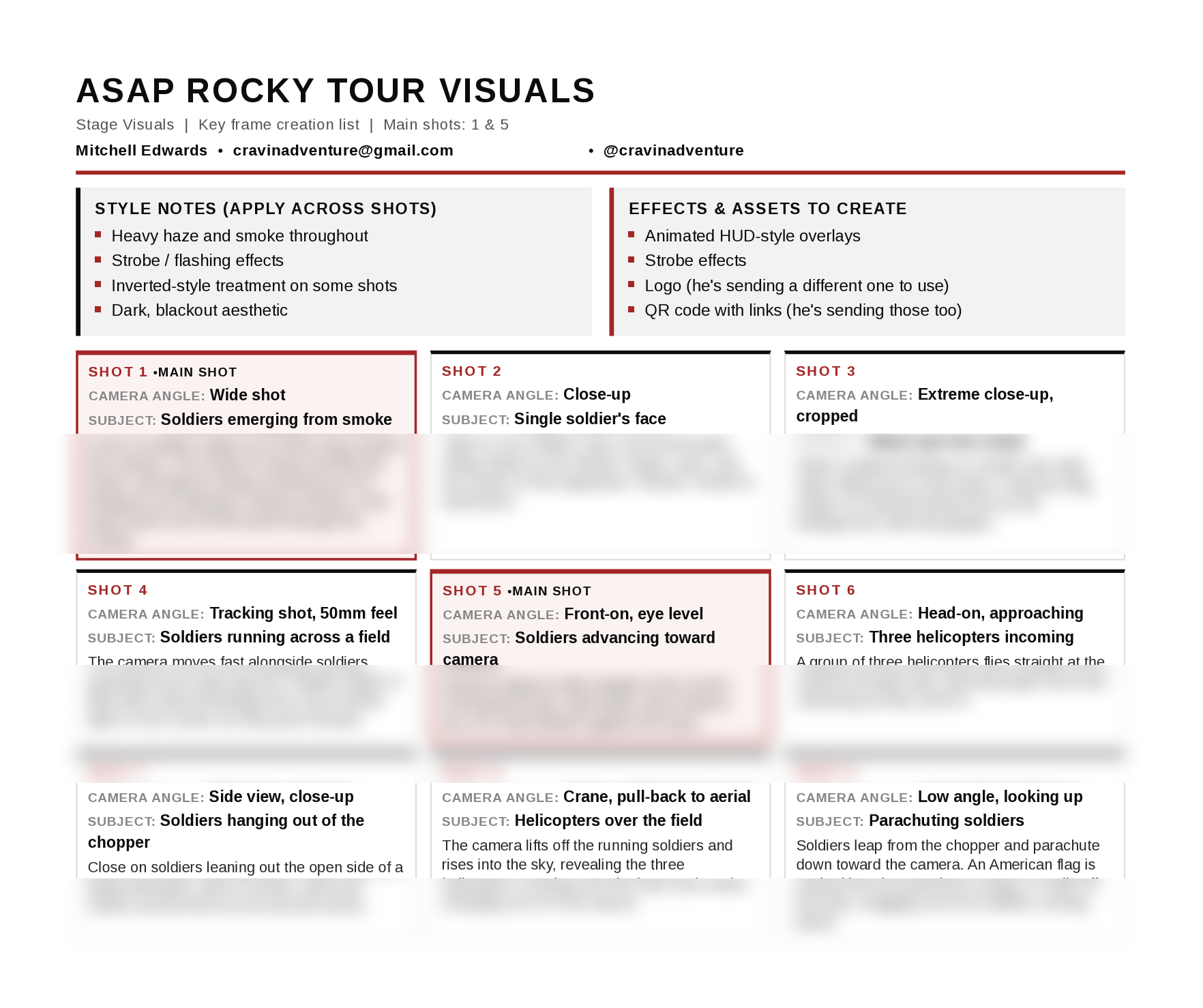
The shot list
I couldn't just have them walking at the camera, I needed real angles.
They said pop it on screen. I baked it into the world.
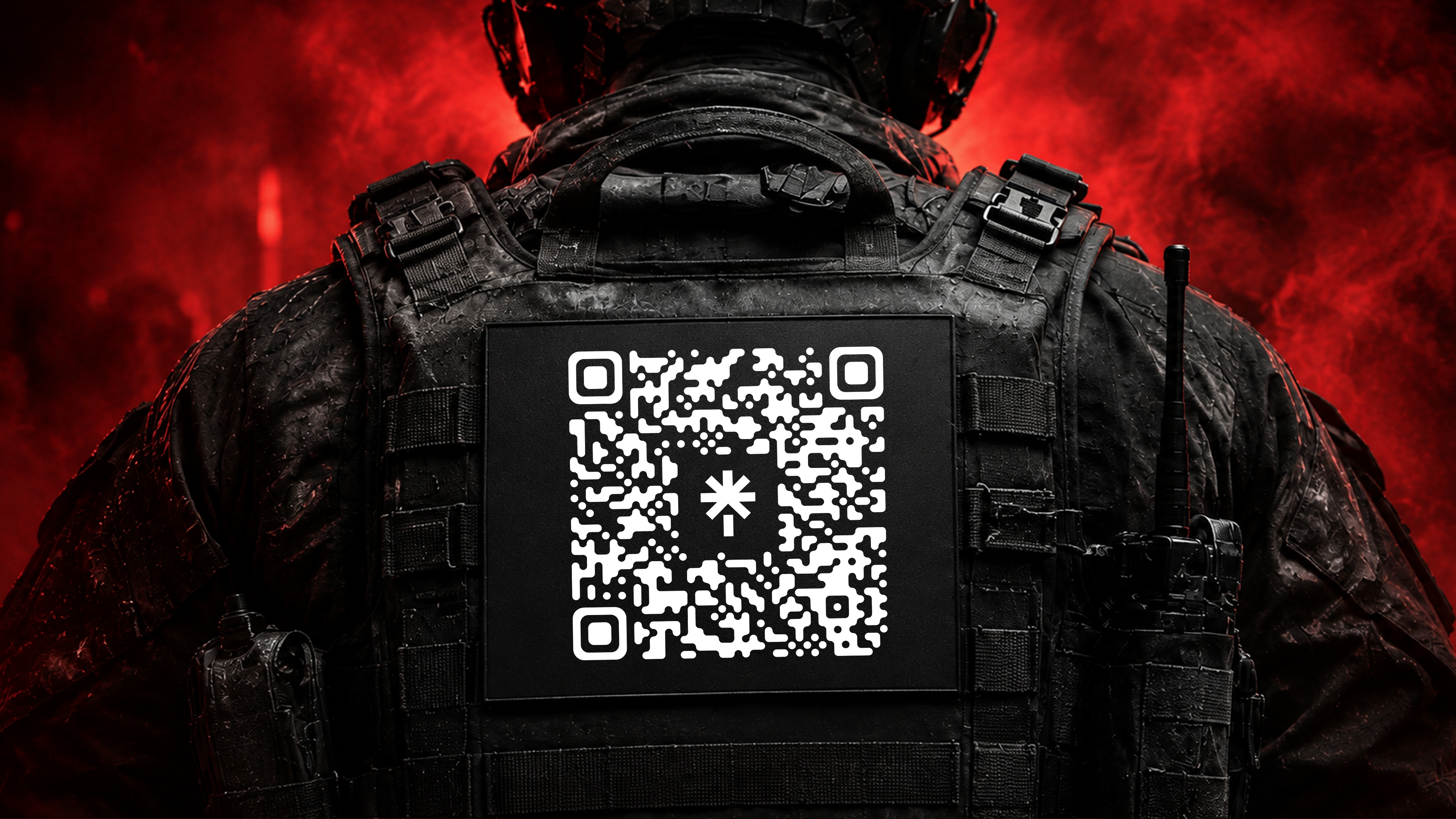
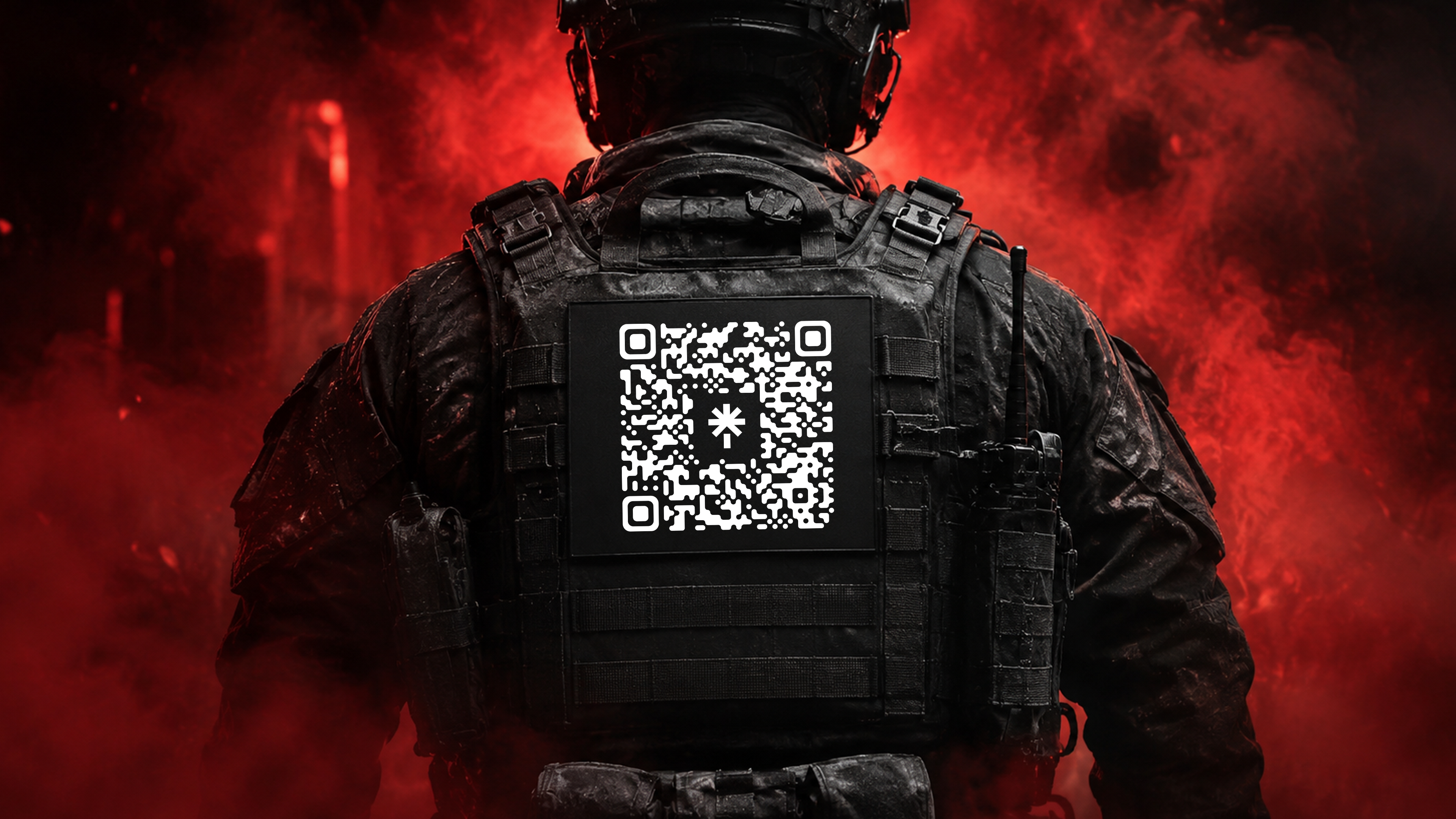
The QR codes came through as a dark black-gray on transparent backgrounds, so to make sure they'd read clean against the dark scene, I brought one into vector software, vectorized it, and recolored it white. Then in image-editing software I built the thumbnail, carving a space into the back vest of one of the soldiers and placing that white QR code on it, and made the in and out frames, the start and end points, and exported them. Those frames went into a more powerful AI to animate. The trick is that if you only give the AI a single endpoint, the QR code gets mangled and won't scan, so I gave it both an in point and an out point. That more powerful AI holds the animation's integrity way better so the code stays sharp, the tradeoff being it takes longer to cook, which is exactly why I used the faster AI for the quick stuff and saved the powerful one for what had to stay crisp.


Then I timed the QR code.
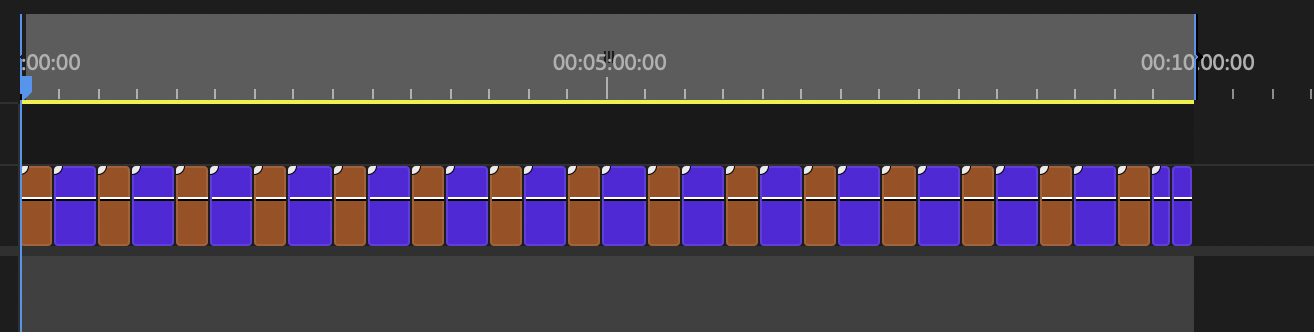
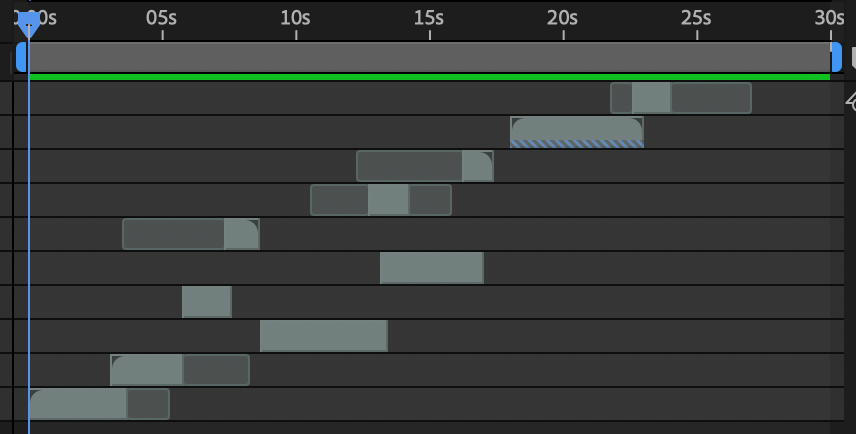
On top of that they wanted the QR code up once a minute, but my loop was only 25 seconds with the QR code at the very end, so in the final comp I duplicated the loop across the full ten minutes and stripped the QR code off the end of every other pass, so it surfaced about once a minute like they asked.
Built it all in red. Flipped it green in one move.
It started all red, since we were going off the main A$AP Rocky vibe and my mood board was red. Then LXND and Casper both hit me to switch it to green, and I was already deep into building in red. My solve was two compositions in compositing software: the first was my movement and motion comp where I organized and chopped all the raw clips together, and the second was the final comp at 1920×1080, matched to the pixel map, where I dropped the first comp inside and applied a single hue rotate from red to green. Everything flipped in one move and I never had to redo a clip, I just kept building in red the whole time to match the board and flipped the switch at the end.
Then I hand-treated it.
In that same final comp I hand-treated the whole thing to sell it. I rode curves of calculated blur in and out at different points, ran a constant stream of monochrome grain that I kept pushing and pulling, varying the size and amount up and down so it breathed almost like CCTV footage, and gave the shots their own fades, coming up from black and falling back to black, so when the thing looped it never cut harshly, it just flowed.

They only had a video of the logo. So I rebuilt it.
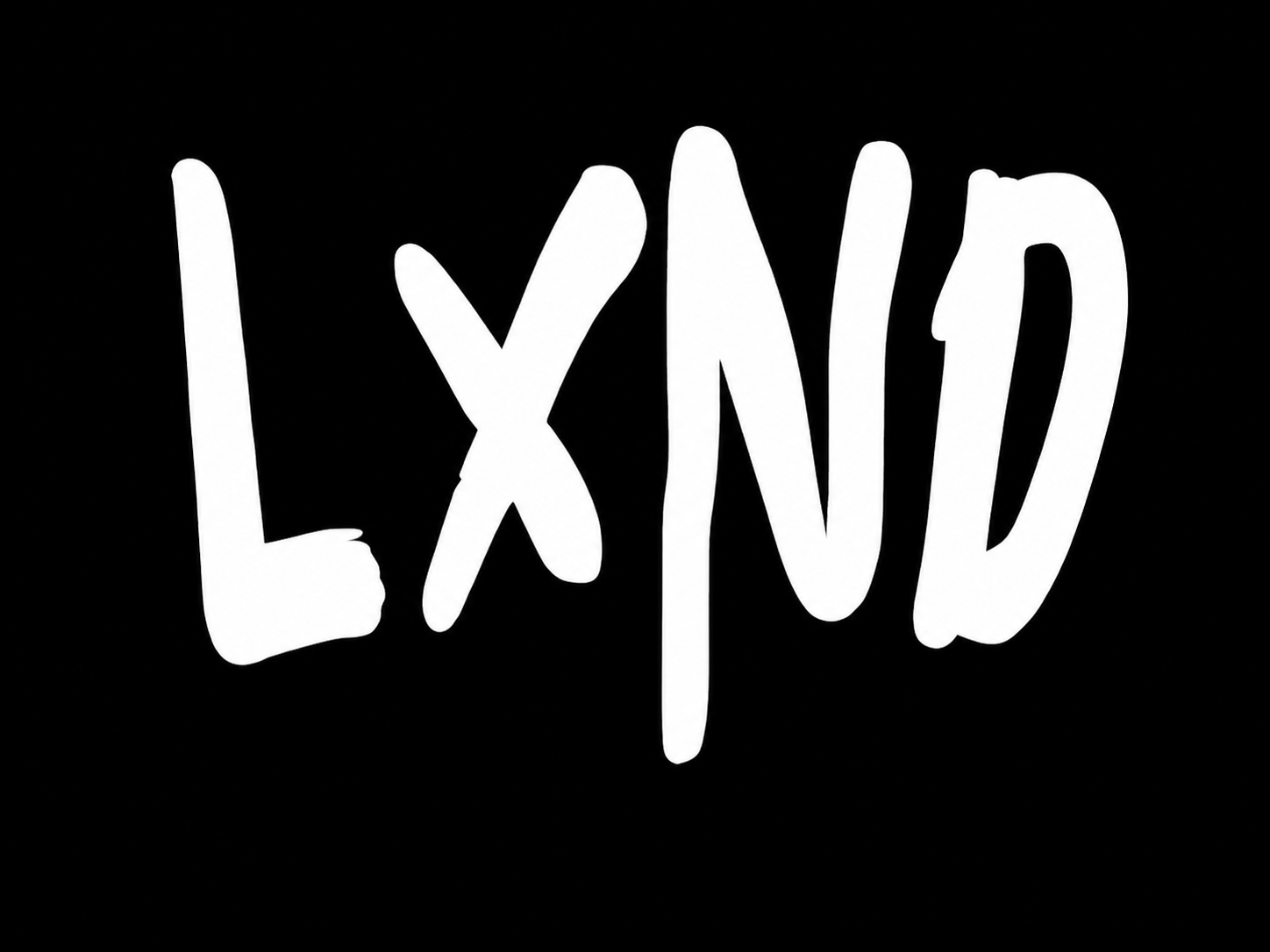
The logo was its own little mission. Casper, on the media team, jumped in to help. They had the logo as a video on hand, and the source files (a GLB, SVG, or PNG) lived with another teammate, so they reached out to get them over, it just couldn't come through in time. The version I had was a 3D logo treatment with its own colors baked into it, which didn't match the look I was building, so I wanted to rebuild it from a clean PNG or SVG into a fresh 3D logo animation that fit the scene. I screenshotted a frame and used my own software to lift the logo out cleanly, converted it to a PNG, and built an SVG from it. The plan was a custom 3D version dropped into the scene with real-time environment lighting, color-matched to everything else so it'd sit perfectly in the shot. I had what I needed to build it, but I ran out of time, so the logo became a next-show thing, locked and ready.
Files named, labeled, delivered. Nothing lost.
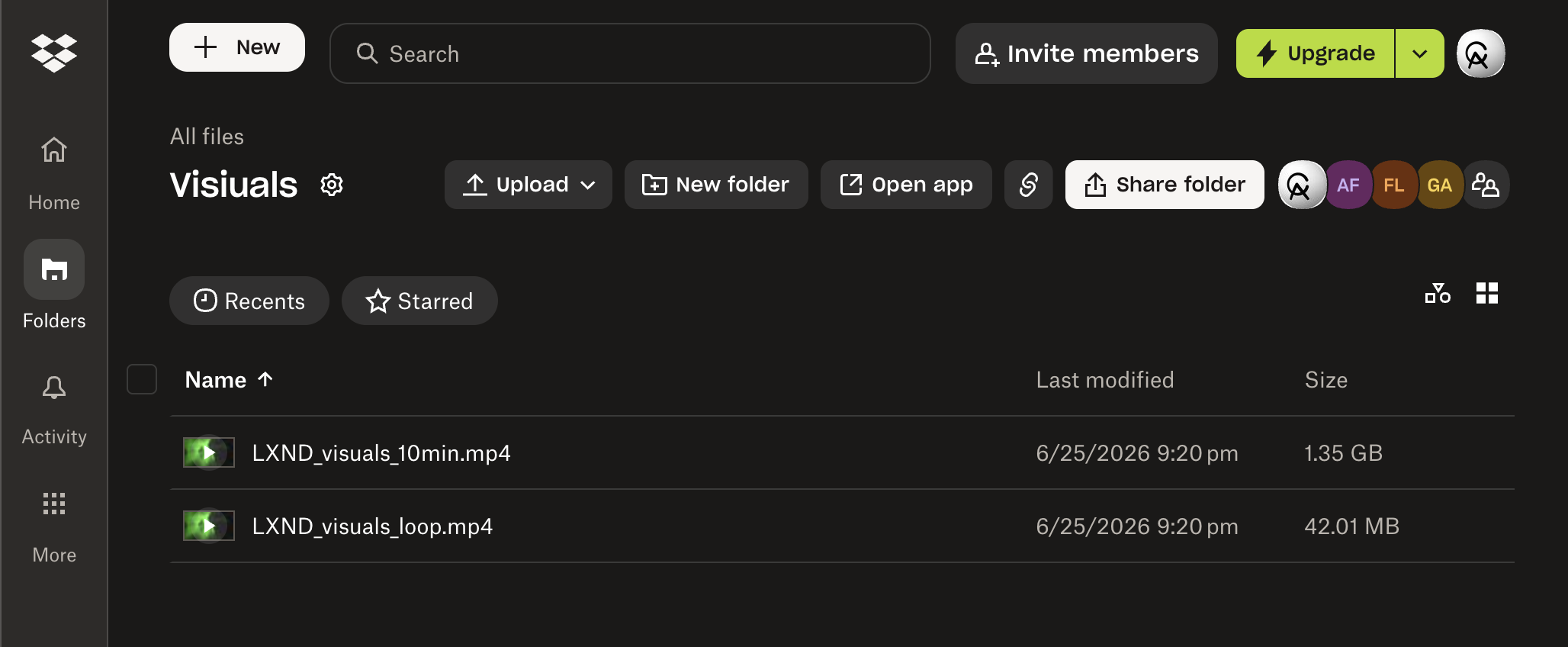
Then we landed it. I talked to LXND, exported the final loop, then made a ten-minute version since that's how long it needed to run for Thoto's set. I asked them to send the Dropbox link, uploaded everything, named every file correctly and made sure they knew exactly which file was which, staying as organized as I could the whole way. Files were fully uploaded by 9:20 PM EST, so from the group chat kicking off at 5:44 PM EST to delivery, the entire thing was about a three-and-a-half-hour sprint. They loved it.
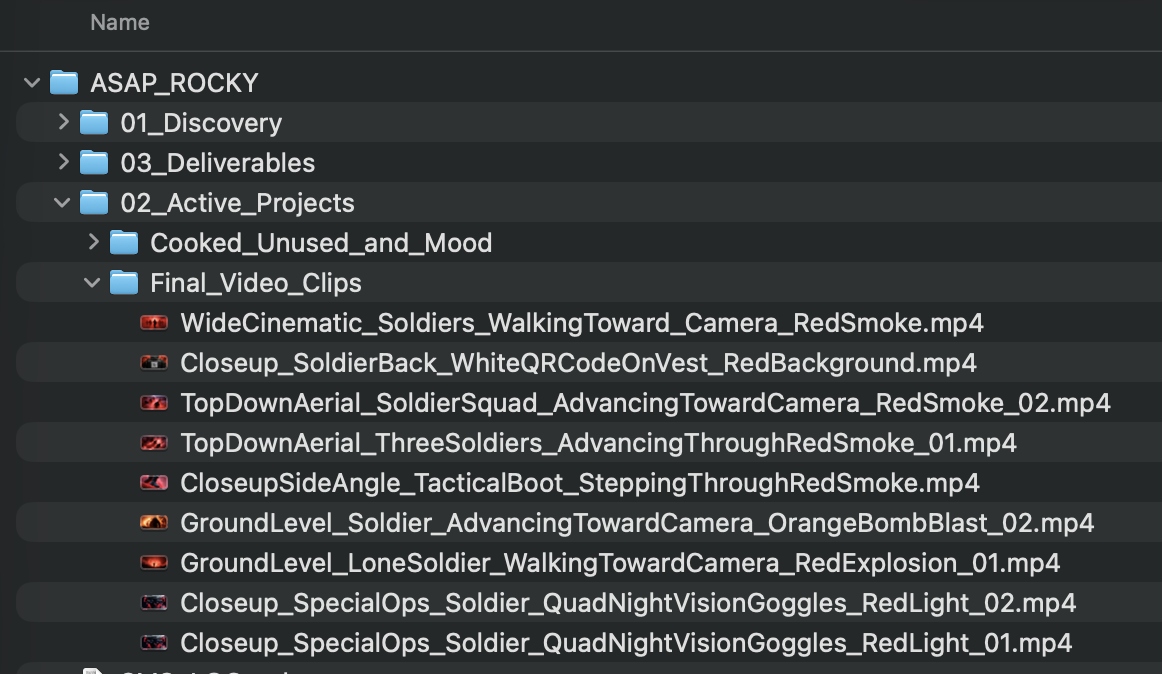
That obsession with staying organized is exactly why I built my agents the way I did. They take my raw files, look at the clips and understand what each one is, rename them properly, sort them into a full client file system, and stand up a shared delivery folder at the end, so even on a chaotic same-night turnaround nothing got lost and the client got something clean and labeled.
On stage, on the A$AP Rocky tour.
The loop ran for Thoto's full set. Soldiers walking toward the camera, the full compositing treatment, the in-world QR code surfacing once a minute, all at 1920×1080, built and delivered in a single night.
What shipped, and what's next.
Shipped for the show
Hyper-real soldiers walking toward the camera. The full compositing treatment, red-to-green hue rotate, calculated blur curves, pulsing monochrome CCTV grain, black fades between shots. A seamless 25-second loop expanded to a clean 10 minutes. The in-world white QR code baked onto a soldier's back vest, surfacing about once a minute. All at 1920×1080, for Thoto's full set.
Locked for the next show
The LXND logo as a custom 3D asset matched into the scene with real-time environment lighting. The tanks. The helicopter and propeller-blade transitions. More clips and shot variety. Extra glitch passes. Everything that got cut for the clock is prepped and ready to build on. And because my AI agents already organized every file and folder cleanly, the whole project is set up for ongoing work, easy to hop right back into and keep building on.
Built fast, built together.
Who did what
Tool chain
↓
Image AI tools + Video AI tools (fast stills + motion)
↓
Vector software (QR code vectorized + whitened)
↓
Image-editing software (QR code on vest + in/out frames, logo pull)
↓
Video AI tools (in/out points, QR code integrity)
↓
Compositing software (two-comp, hue rotate, grain, fades, loop + QR code timing)
Friends Group Chat 5:44 PM EST → files uploaded 9:20 PM EST. June 25, 2026. Brainstorm to delivery.